01
Websites
</html>The early web. Static pages, hand-written code, one-way information from publisher to reader.

A plain-English primer
No jargon, no buzzwords — just what AI actually is, where it shows up in your day, and how to start using it without losing your mind (or your customers).
The short version
AI is everywhere — in fact, even if you haven't hit the keyboard to pester ChatGPT with questions about dinner or learning to “vibe code,” there's a good chance you're using it without realising. From the spam filter on your inbox to the “people you may know” suggestions on social media, AI quietly powers a lot of the tools you interact with every day.
If you're not Sam Altman, it wouldn't be surprising if you felt confused about what “AI” actually is. Underneath all the buzzwords, AI is essentially very clever pattern-recognition. AI tools are fed large amounts of example data (photos, words, numbers) and given instructions — written in code — that teach them to find patterns in that data. Once the tool knows the patterns, it can recognise new things, make predictions, generate content, or answer questions like a chatbot on a website.
How we got here
Every leap forward in software has been about getting computers to do more of the work for us. AI is just the next chapter.
</html>The early web. Static pages, hand-written code, one-way information from publisher to reader.
Prompt → outputYou type a request and the model generates text, images, code or audio on the spot. Conversation replaces clicks.
Word · Folder · Canva · FacebookAI that doesn't just answer — it acts. Agents hop between the apps you already use to finish multi-step jobs end-to-end.
Sequence 001–003
The agentic shift
The six flavours of AI
Each “flavour” solves a different kind of problem. Knowing which is which means picking the right tool for the job — not the loudest one in the room.
Make me something
You give it an instruction — a “prompt” (type a question, request, or description) — and it whips up content on the spot. Content includes text, images, audio, code, and video.
A chat window like ChatGPT, Claude, or Gemini, where you have a back-and-forth conversation to get what you need.
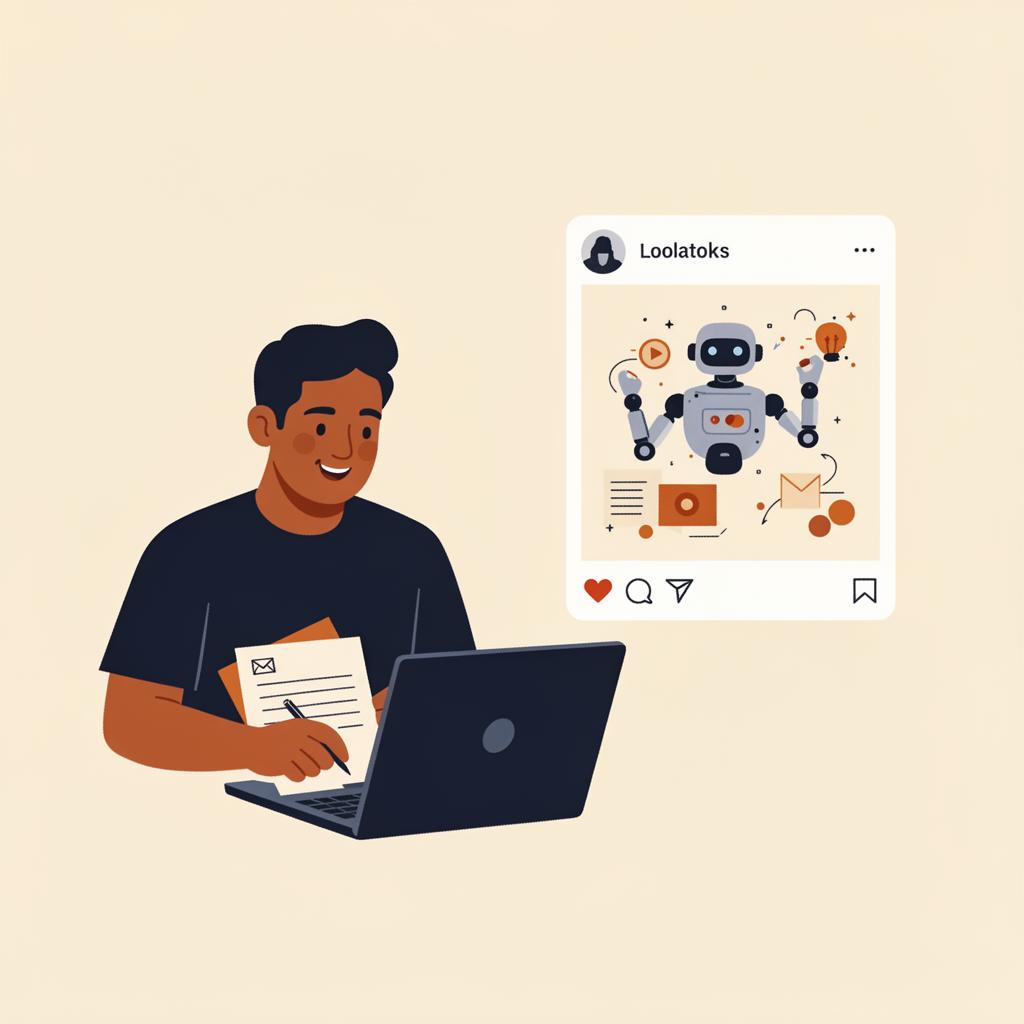
One prompt → many possible outputs
“Write me a thank-you email for top customers…” becomes a draft email, a social tile, or a snippet of code — depending on what you ask for.
Spot the pattern
ML works by chewing through stacks of data to find patterns and make predictions. It usually doesn't act on its own — instead, it gives you a recommendation or an alert, and a human makes the call.
Netflix or Spotify recommendations, cash-flow forecasts in Xero or MYOB, Shopify showing product stock levels.
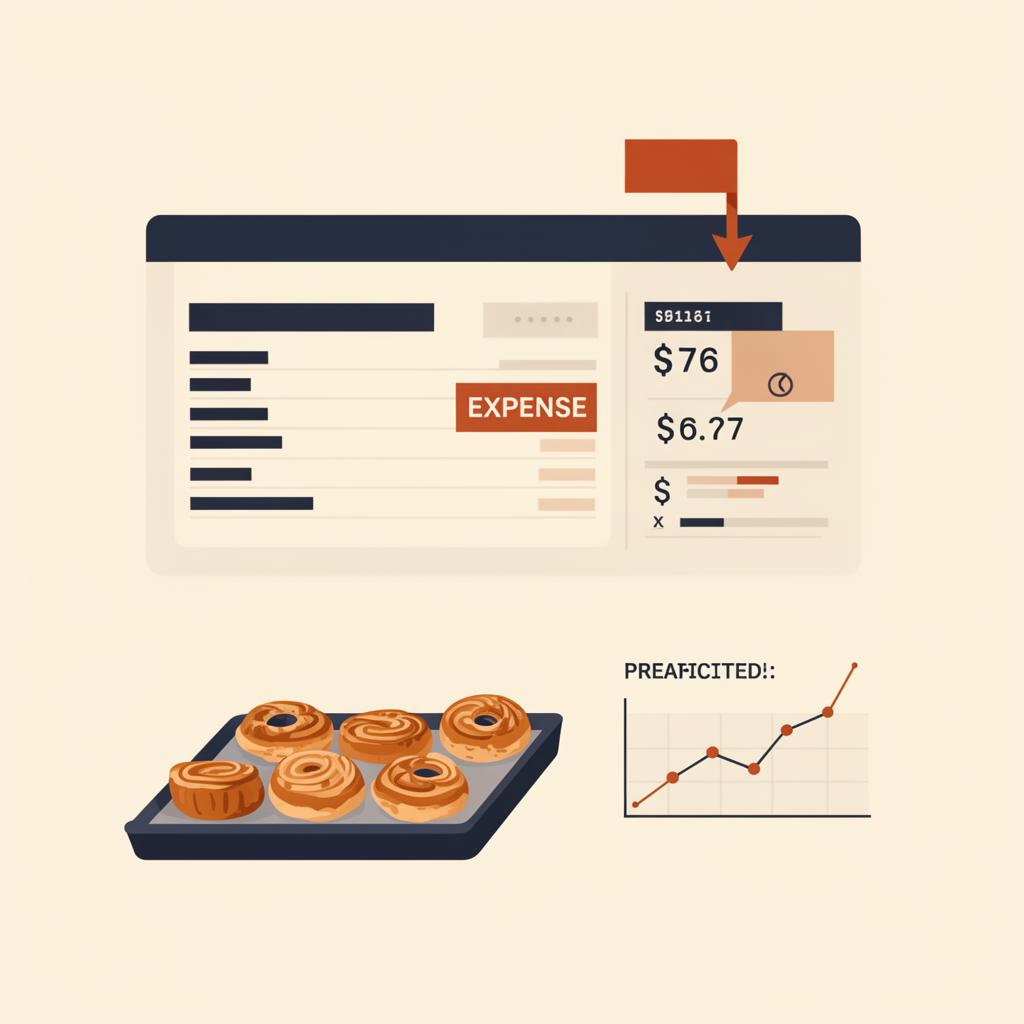
Past sales → predicted next week
ML reads the trend in your numbers and points at what's likely to come next — you still decide what to do about it.
Do the boring bits
These are the AI helpers built into the software you already use. They tackle the repetitive admin so you don't have to — but you (or your bookkeeper) cast an eye over the results before anything is finalised.
Helping hands in Xero, MYOB, Microsoft, and Google Workspace.
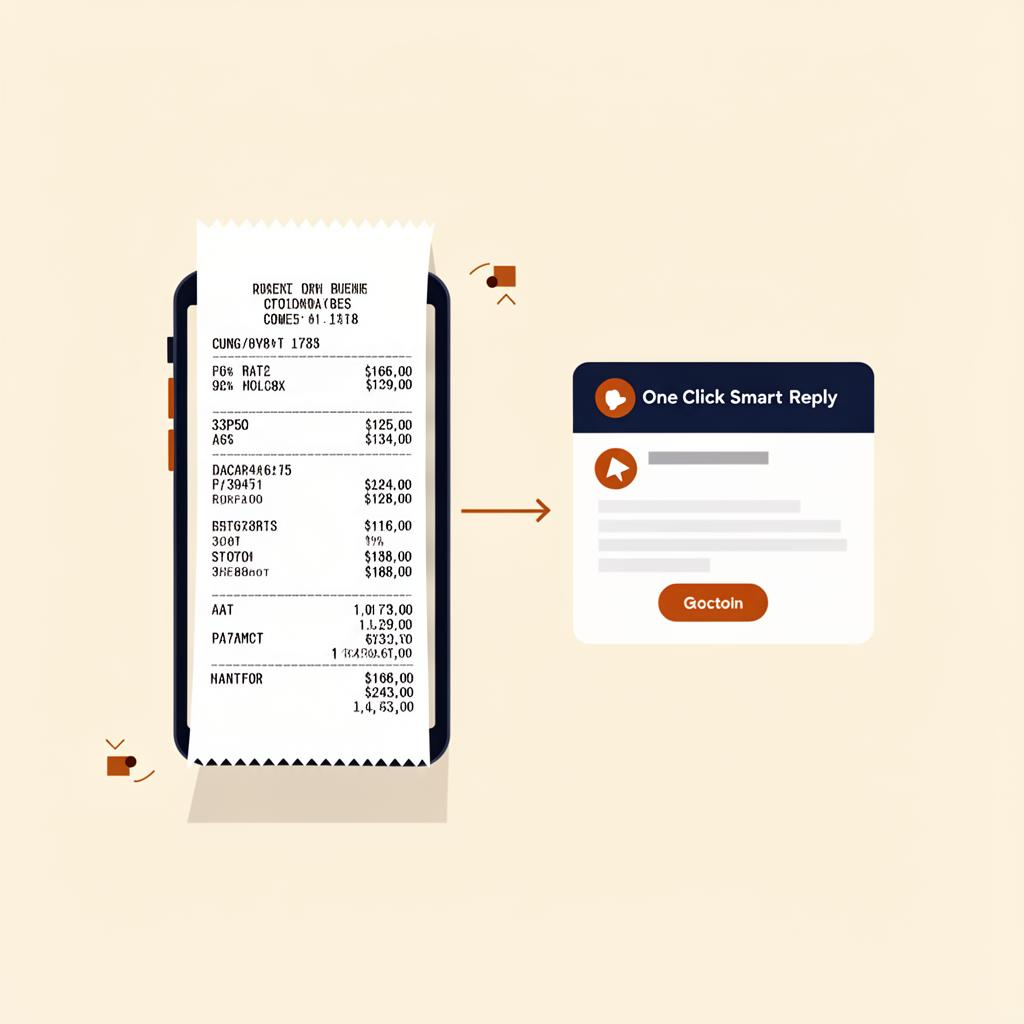
Messy receipts in. Tidy data out.
A pile of paper becomes neat rows of date, supplier, and amount — ready for you to approve.
Run an errand for me
Instead of answering one question, Agentic AI “Agents” take a goal and work towards it across multiple steps and multiple software tools or systems to get the job done.
“Agents” can be built to automate common business workflows or fit-for-purpose to solve busy-work in your business. Always check where your data is going and where your logins are stored.

A digital assistant you hand a project to
“Take this goal and run with it.” The agent hops between calendar, email, search, and docs until the job is done.
Look at this for me
This kind of AI works with images and video. It can read a picture the way you'd read a document — recognising what's in it, reading text, counting things, and spotting changes.
Supermarket self-checkouts that recognise produce by sight, no barcode needed.
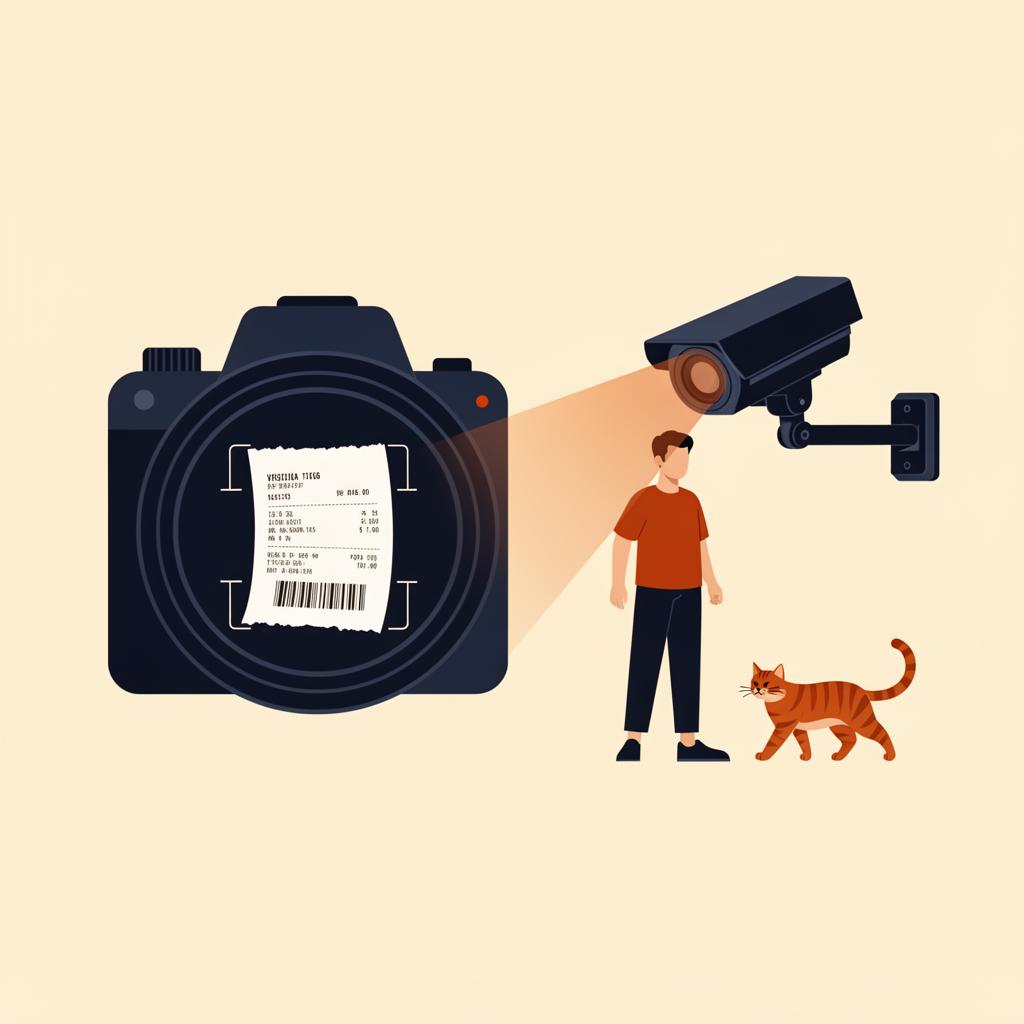
Read a picture the way you read a page
A snap of a Bunnings receipt becomes structured data — supplier, date, line items, and total.
Read the words engine
NLP is what helps computers understand written and spoken language — both what was said and (increasingly) what was meant. It's the engine behind a lot of the AI you already touch every day.
Language translation mobile apps, auto-generated captions on videos.
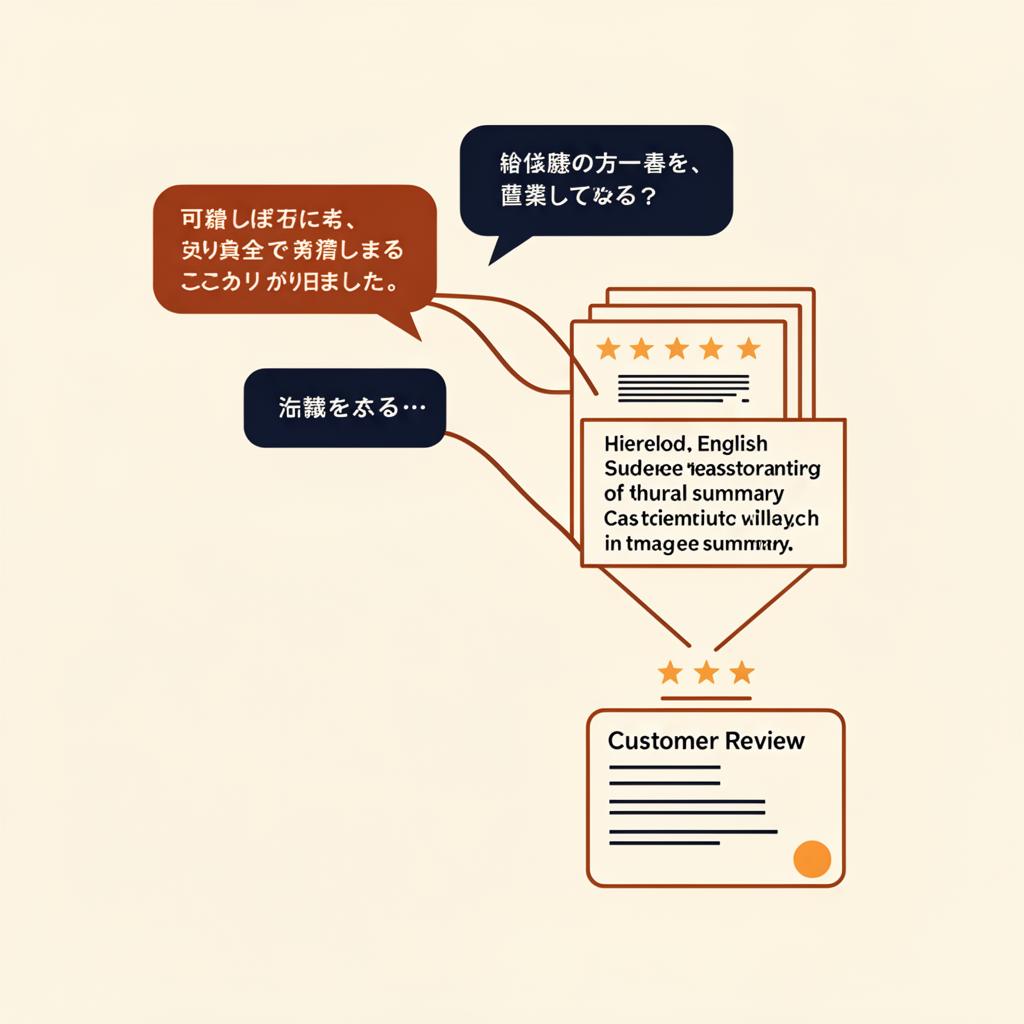
Many voices in. One clear answer out.
Reviews in any language go in; sentiment, themes, and a tidy summary come out the other side.
Keep going
Jump into the Learning Hub for plain-English courses, or have a chinwag with the team about where AI fits in your business.